How it came together Draft
An evening with the Daylight Computer
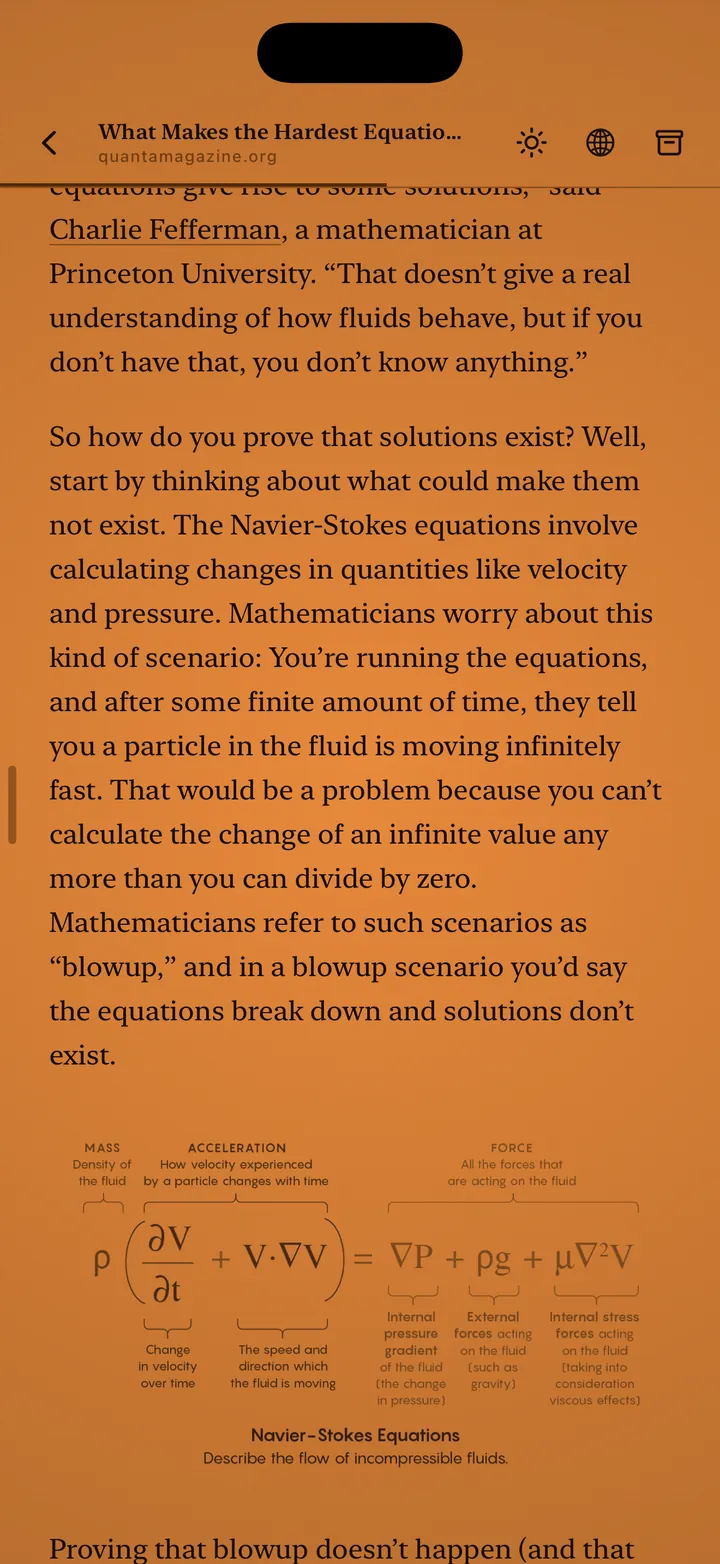
After spending an evening with the Daylight Computer, I realized I loved how its amber glow and matte screen looked for reading at night. It was truly calming.
Saved for the evening
During the day I stumble on lots of articles, research papers and videos I want to get to, but I need to stay focused on my work. Evening Reader saves them for later as flat files, always mine to come back to, and shows a monochrome version clean of the noise of most websites and blogs.
assets/media/evening-reader/process-4.webpassets/media/evening-reader/process-3.webpEverything in one color
The craziest thing about building this app is that all of the system components needed to be rebuilt from scratch, because they all have blue light in them. The keyboard, text selection, copy and paste: all handbuilt, so the entire interface stays one single color glow.
assets/media/evening-reader/process-1.webpassets/media/evening-reader/process-5.webpHighlights
I wanted to save the most important quotes, so I added highlights, and they’re a little smart. If only one word is selected, Define is an option; select several and it isn’t. If your device has Apple Intelligence, you can ask about the selected passage. And when I highlight, it asks me why, so I always remember why I chose it.
assets/media/evening-reader/process-2.webpSites
Lastly I added sites: shortcuts on the front page to the places I read and watch, like Kindle, Libby, YouTube and Instagram, opened in the same glow.
assets/media/evening-reader/process-8.webpA month of evenings
assets/media/evening-reader/process-6.webpThe website
assets/media/evening-reader/process-7.webp